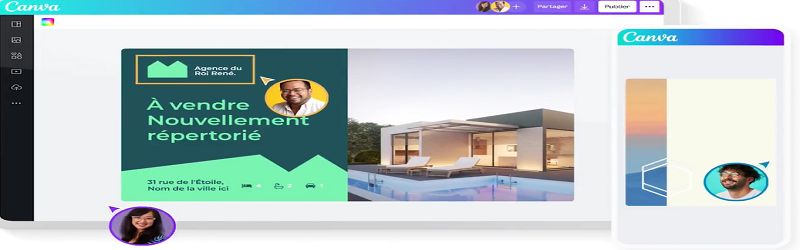
Conficius said: "A picture is worth a thousand words". Canva is a free online graphic design tool for iOS and Android. It's used to create the visual communications media we want. With Canva, you create cool, professional visuals for your website and social networks. Canva lets you convince your audience through visuals; it helps you take care of your digital communication media.
Advantages of Canva
Canva offers many advantages:
- Images correctly sized for each social network and adapted to each type of publication
- A wide variety of templates for both digital and print applications
- Multiple ideas for different marketing media (flyers, loyalty cards, posters, etc.)
- Advertising formats for social networks (banners, thumbnails, covers, etc.)
- Communication tools for your events (invitations, programs, menus, etc.)
How does it work?
To get started with Canva, follow these simple steps:
- Create an account and choose the template that suits you best. This account can be created from your Facebook or Google account, or via your e-mail address and a password.
- Choose a publication type. Canva has a collection of templates, a wide variety of content. These include :
- Posts for social networks (Twitter, Pinterest, Instagram, Facebook, Tumblr)
- Documents (presentations, A4s, wallpapers, CVs, letters, magazine covers)
- Blogging and eBooks (eBook & Kindle covers, blog titles, blog graphics, vinyl covers, infographics)
- Marketing (posters, menus, business cards, advertising flyers)
- Social media coverage (Tumblr, YouTube, Twitter, Google+, Facebook, email, Etsy)
- Events (postcards, wedding invitations, invitations, cards, photo collages)
- Advertisements (Facebook, IAB formats 160×600, 300×250, 728×90, 336×280).
- Get to grips with the interface.
- Customize your design.
- Save and export your design.
- Learn how to improve.
Canva Contributor
Register as a Canva contributor. This grants you access to the marketplace. Canva offers users a wider choice of layouts for professional designers and a new way to earn money from their work.
Canva, the solution for your images
Learn more about this
Technology