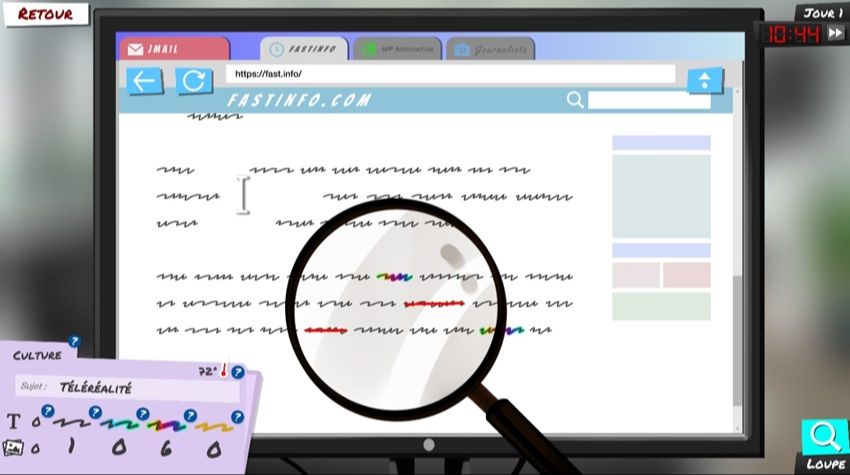
Newscraft: the game that puts you in the shoes of a reporter
A serious game that explains and brings to life the notion of news selection and the editorial line of different types of media.
Publish at March 06 2024 Updated March 07 2024


Voice recognition technology has continued to improve over the years. Today, smart speakers and other applications are able to recognize the words we say aloud.
Is it possible, then, to have a solution for dictating into a word processor? There are a few, but Lilyspeech is a free one that works for Windows owners. It uses the same voice-to-text technology that Google uses with its Chrome browser.
Once you've downloaded the software, you'll be able to select the recognition language (including French, English, Spanish and Portuguese with local variants) and adjust the options, among others, so that dictated text is first displayed in a small window or at the end of the mouse cursor. You'll also be asked to choose the shortcut to initiate speech recognition. By default, it is set to the "Ctrl" and "D" keys, but this can be changed. All you have to do then is speak aloud at a pace similar to that of a newsreader, and let the program enter the sentence(s) into any word processor.
It is also possible to enter specific words into the software's lexicon, be it a proper noun, an expression or a rare technical term, so that they can be recognized when spoken.
The application uses cloud computing for voice conversation. As a result, the software is very light on computing resources, but it does take some time (around 20 to 30 seconds) to put what is dictated into writing. In order to offer its software free of charge, the latter may display a little advertising from time to time. A paid premium version allows advertisers to be removed. Nevertheless, the free version is already a good solution for expressing texts, ideas, etc. orally.
Learn more about this Technology
You might also like:
Newscraft: the game that puts you in the shoes of a reporter
A serious game that explains and brings to life the notion of news selection and the editorial line of different types of media.
Reflecting on agroecology through play
There's nothing simple about being a farmer. You have to plan your activities throughout the year, make sure you have the right machinery, maintain it and so on. All with a view to ecology. A serious French game seeks to teach agroecology.
The Englishes MOOC course was developed by an artist and is designed for anyone interested in the (English) language. It explores the history of English, its pronunciation, and its relationship to the art world.
Develop your musical ear through play with Meludia
To a layman, music is just a tune performed by a musician. Yet, if he were to play Meludia, he would learn all the rudiments and terms associated with musical practice.
A series of games that require an ear.
"Space Shelter: Google's cybersecurity game
All our lives have an online component. As a result, a large proportion of Internet users are at risk of being tricked by hackers. A short game invites Internet users to remember certain elements of cybersecurity using a space theme.