![]()
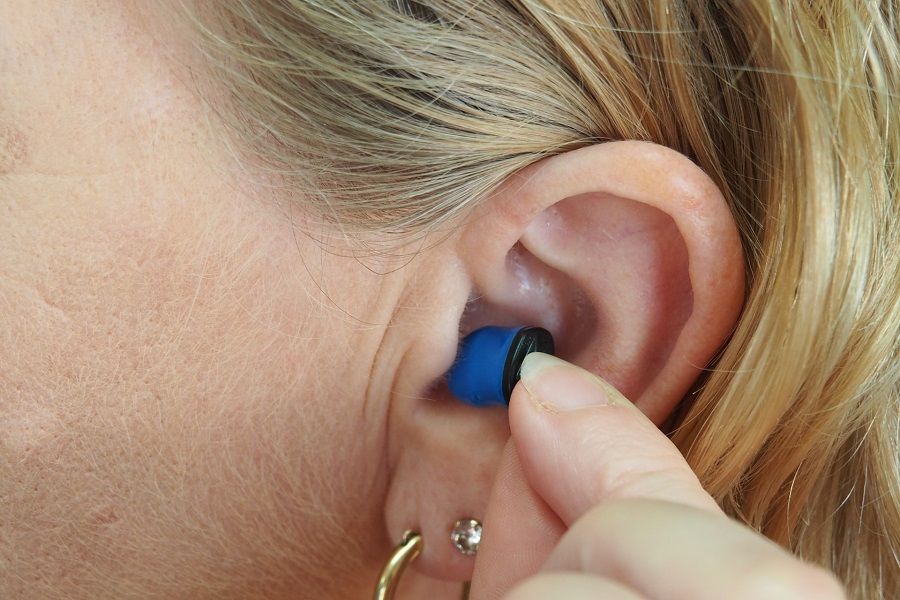
Introduction to Hearing Loss
Disorders of the ear range from simple, easily treated entities (such as wax or cerumen impaction) to the highly complex (such as permanent hearing loss). Many of these disorders manifest with similar symptoms and may be difficult to differentiate without a basic understanding of the anatomy of the ear and auditory pathway. Here's a course to clarify the ear anatomy.
![]()
What future for education?
Through this course you will start to critically examine your own ideas about education, teaching and learning. The critique will be developed through engagement with theories and ideas developed through educational research. You will be encouraged to use these ideas to challenge or support your own ideas about education.
![]()
Hiring Practices
In this course, you will learn how to develop a strategic plan to attract, recruit and retain employees at every level, from those just entering the workforce through those at the executive level. We will explore each step of the recruitment, selection, and onboarding process, providing a thorough explanation of the uniqueness of the step and its fit and importance within the entire talent lifecycle.
![]()
New Learning: Principles and Patterns of Pedagogy
Education is in a state of flux – transitioning from traditional architectures and practices to new ecologies of teaching and learning influenced by the tremendous social and technological changes of our times. What changes are afoot today in workplaces, civic life and everyday community life? What are their implications for education?
![]()
Doing Business in Europe
Europe is a major world trade partner as well as a place where to acquire significant business experience. This is the reason why this MOOC has been designed with the view to explaining and guiding you in doing business in Europe. Do you really know Europe? How should you consider and approach the European continent?