
The choice of teaching methods can be based on observable elements in the behavior of learners in relation to their abilities and degree of autonomy, with the best effects.
Publish at November 03 2009 Updated June 02 2026


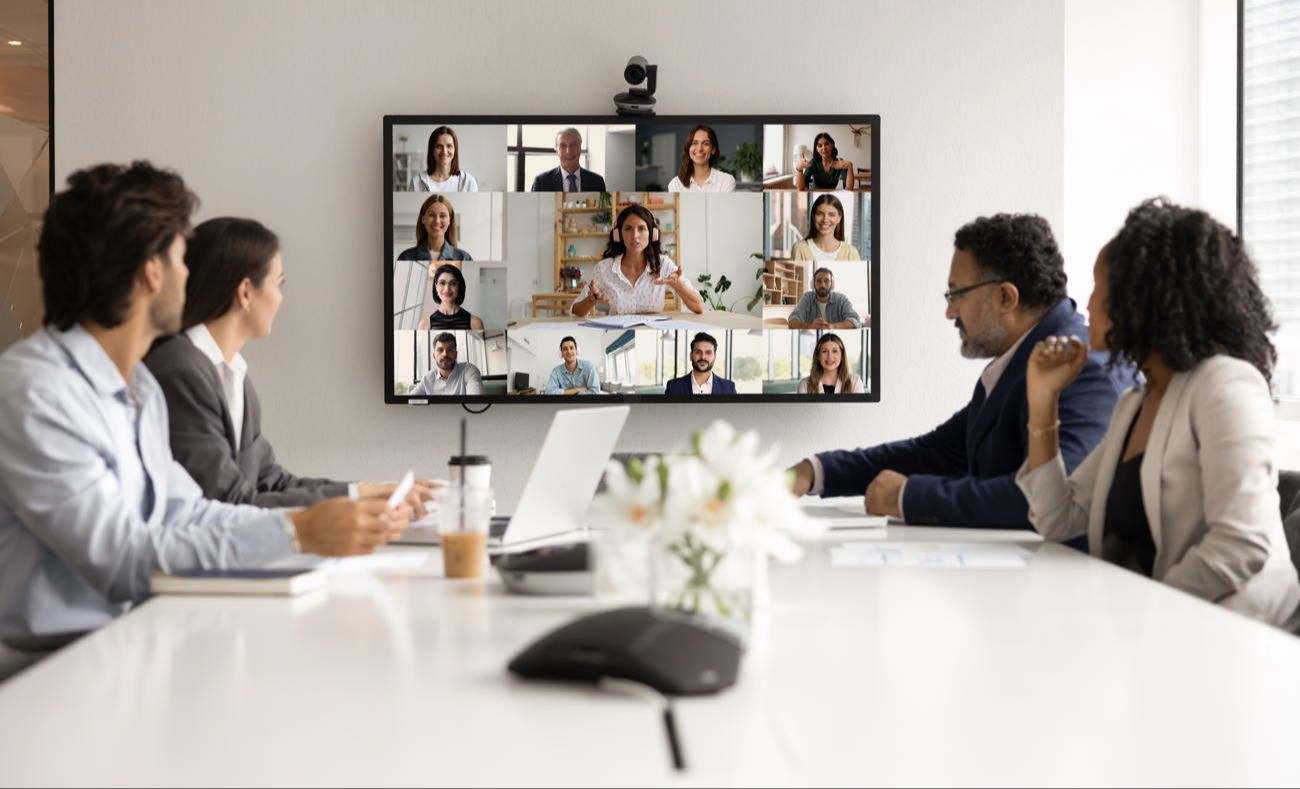
The use of web conferencing to deliver group courses is increasingly justified both from an economic point of view for specialized, professional and dispersed audiences, and in terms of didactic efficiency.
In the classroom, although the environment is known and controlled, preparing a lesson requires work; at a distance, the situation can appear all the more complex as the environments are multiple and the potential hazards more numerous.
But distance is not just synonymous with complexity; technology enables different relationships and, if well used, can make the experience far more profitable and active than a traditional classroom presentation.
In the PREP (Planning, Rehearsal, Execution, Post Mortem) model (Planification, Pratique, Présentation, Post-Mortem), more time is devoted to preparation than to practice, and again more time to practice than to the presentation itself, because a fluid and participative synchronous teaching experience involves adjusting numerous didactic and technical elements into a coherent, attractive and enjoyable whole.
Learning to use the platform
You need to feel totally at ease with the web conferencing platform, so that you can stop thinking about how to use it and concentrate on your subject. Even if the conventions of use are similar from one platform to another, they all have their differences, and it's best to know the specifics of the one you're using. You'll need this knowledge for the next two tasks of preparing logistics and content interactivity.
Planning logistics
Once you've mastered the essentials of the platform, you can devote even more time to the logistics of your event. One of the key issues is sound transmission. If your audience is dispersed in an open environment, you'll need to ensure that each participant has a headset and microphone handset, so as not to disturb or be disturbed by their local environment.
Test transmissions, especially if you're planning for participants with low bandwidth. Carefully determine the time and date that will suit the majority of participants.
Prepare content and interactivity
If you're transferring content from a face-to-face course to a web conference, take the time to separate what can be covered by pre- and post-conference activities, and keep only what absolutely needs to be covered live. This will free up time for exercises and exchanges.
All the principles that apply to PowerPoint presentations obviously apply here.
Feedback areas, the addition of quizzes or online exercises are essential to your conference. It's not essential to use technological tools: a chat can be perfectly replaced by hands raised on the screen to take the floor. Be creative.
Create support material or a participant's manual
Before the conference, send participants a manual or training materials. Instructions for use, program, timeline, planned flow, preparation and follow-up required or planned, references... are all sections to be included in the manual.
Compose the facilitation team and determine each member's role
Presentation, facilitation, technical support and managing the interactions of many participants cannot be accomplished effectively by a single person. Depending on the complexity of the task, the support team may be larger or smaller, but each member must be able to perform his or her role competently.
Even seasoned speakers don't skip this step. Online, many things are different, and all team members need to coordinate. The aim is to produce a smooth, interesting and participative event. It's therefore highly recommended to carry out rehearsals, first without an audience and then with a test audience, in an environment as faithful as possible to the final delivery environment. Note any adjustments you need to make after each rehearsal. Keep going as long as you feel that something is catching on; be sure that several other people will experience the same thing as you.
To make sure everything goes off without a hitch:
What did you do, what happened, what was most appreciated, what worked, etc.?
The post-mortem is the moment dedicated to evaluating performance, thanks to feedback from participants and the facilitation team. At the end of the presentation, it's common to ask for feedback from participants. It's also wise to ask for feedback from the team.
Here, then, are detailed instructions for conducting a successful remote conference.
PREP for Web Conferencing Success by Darlene Christopher - Learning specialist at the World Bank Group in Washington, D.C.
Ms. Christopher's blog
Illustration: Shuetterstock - 2663999755
You might also like:
The choice of teaching methods can be based on observable elements in the behavior of learners in relation to their abilities and degree of autonomy, with the best effects.
Experimenting with risk to adapt
It's sometimes difficult to understand children who don't dare to do very much. However, it's not usually their fault: they're victims of overprotection by adults, who don't give them the keys they need to analyze their environment or adopt appropriate strategies. Shouldn't we let them grow up and experiment on their own? When societal overprotection undermines the ability to adapt.
Educational scripting, part 2: sequencing
We're taking a look at the sequencing phase, which results in defining a learning objective for each of the instructional grains.
How to produce real educational games
With five elements in hand, any teacher can create interesting educational games.


